Features

AI Agent OS Features
for Business Communicaiton

Leverage AI to handle calls, capture opportunities, and enhance customer interactions. Increase revenue, improve productivity, and deliver exceptional service.
Customer service chat interface with product availability lookup options

core capabilities

AI Agents That Do the Work

Vida’s AI Agent OS automates business communication and workflows with speed and accuracy.

Voice & Messaging: Manage calls, texts, and chats from one system. Automate: Handle scheduling, follow-ups, and payments. CRM Optimization: Keep data clean and actionable. Integrations: Connect CRMs, APIs, and schedulers in real time. Monitoring: Track every interaction with unified analytics.
Hear an Agent in Action

Built for Speed and Scale

Deploy in Days

Launch phone agents in minutes, not months, with no-code tools and built-in scalability.

Fast Setup: Quickly deploy tech with Crawl → Walk → Run process. Connect: Instantly connect CRMs, schedulers, and payments. Flexible Billing: Scale with outcome-based pricing. Built-In QA: Access real-time analytics and observability.
Explore Resources
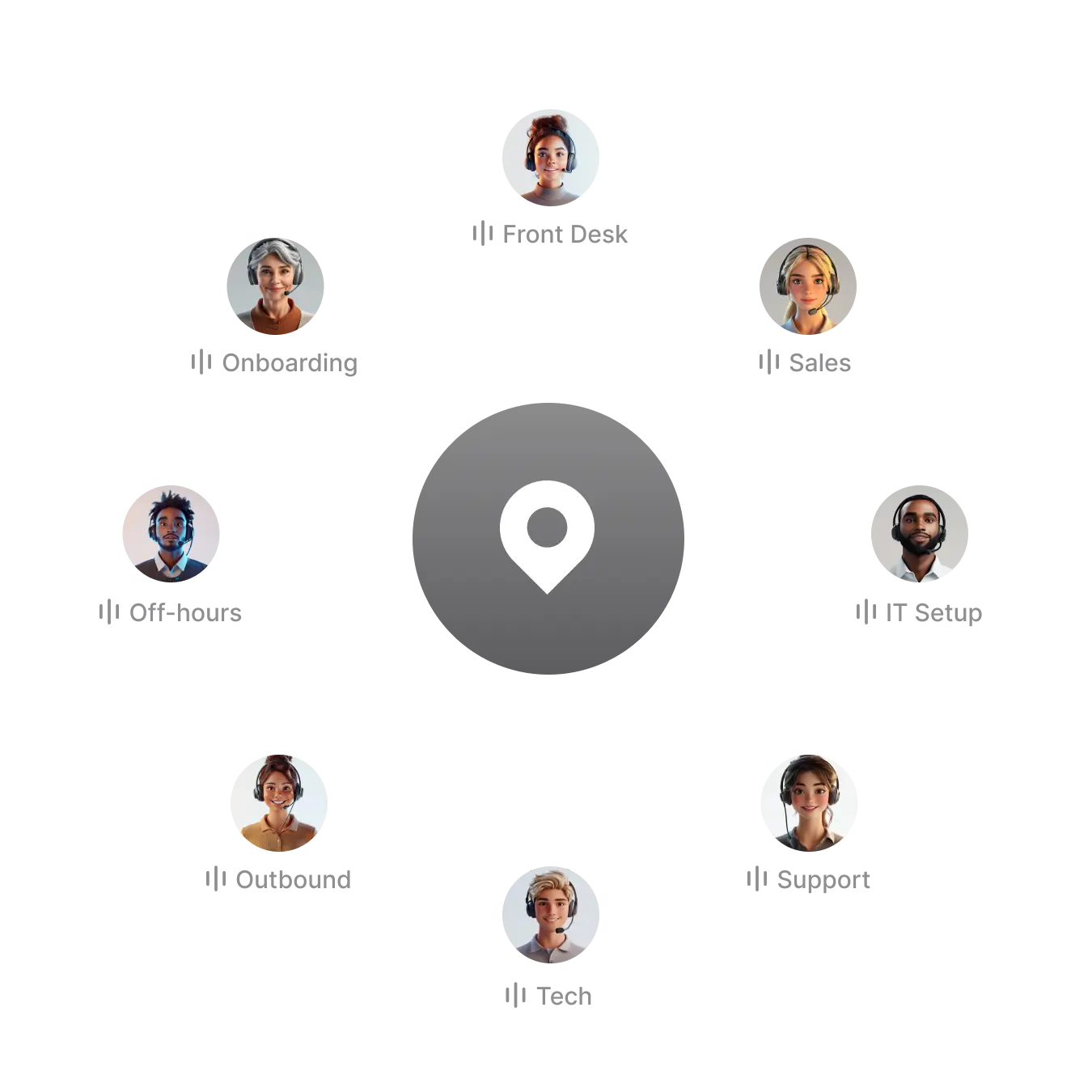
Call center team members in circular layout with location marker
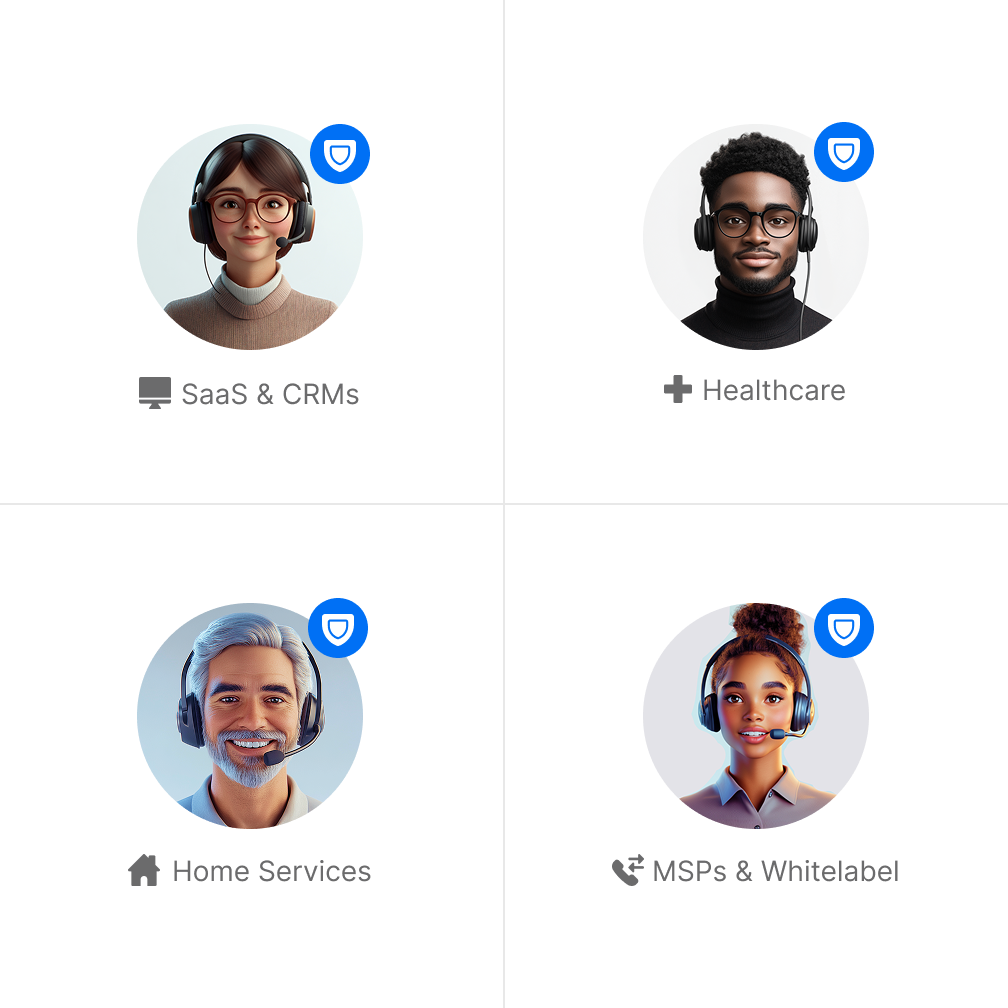
Four diverse customer service representatives for different industries

Enterprise Strength, Simplified

Secure, Compliant, and Ready for Scale

Enterprise-grade security and reliability built to scale.

STIR/SHAKEN & TCPA: Verified, compliant communication. Data Privacy: Encryption and strict data separation. HIPAA Ready: Full compliance and BAA available. Multi-Tenant: Manage thousands of agents from one dashboard. Reliable: 99.99% uptime and automated failover.
Explore Resources

avaible 24/7

Always on, everywhere.

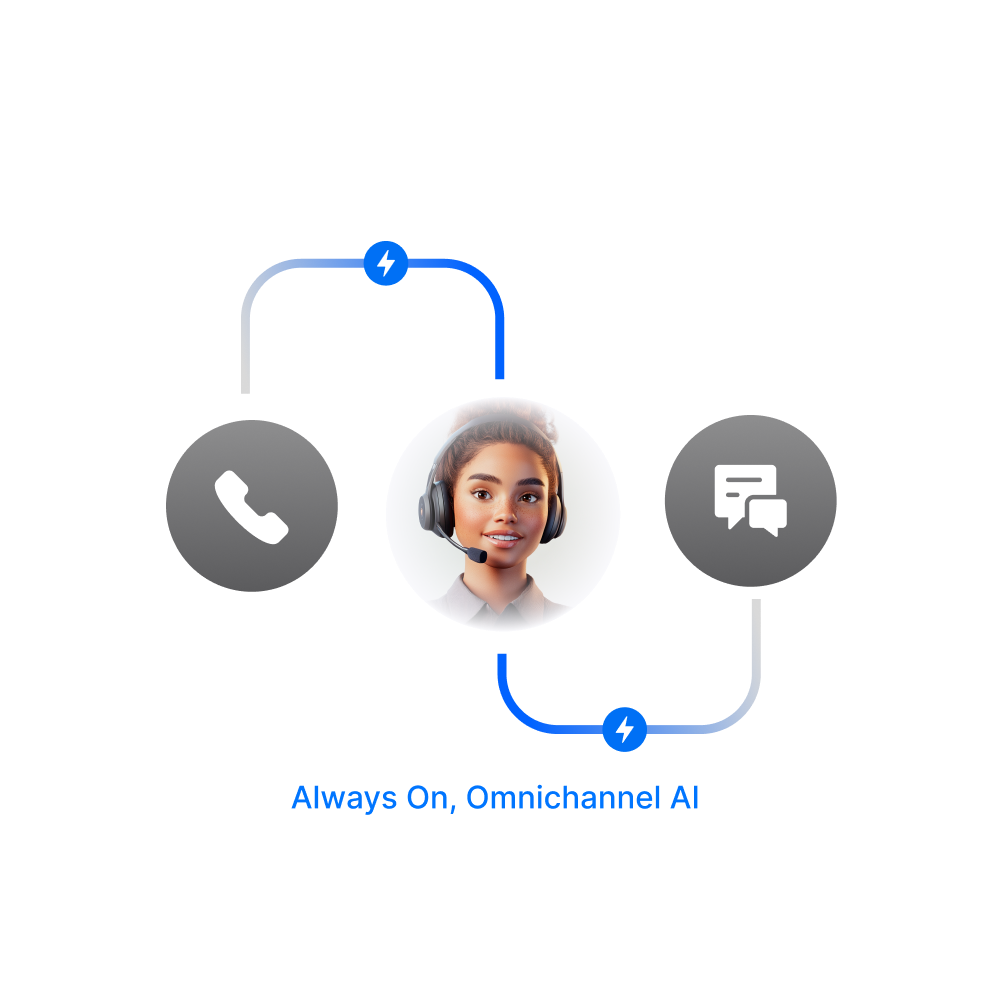
Vida AI phone agents are omnichannel, working across voice, text, email, and webchat.

With omnichannel AI agents your data stays clean, customer communications are always in sync. No matter the channel your team is responding 24 hours a day, 7 days a week.
Learn More About the OS
Customer service representative with headset connecting communication channels

Fully Featured AI Agent Operating System

Agent Features

Gray telephone handset icon with an arrow pointing to the right

Call Transfers

Easily transfer calls to the right person or department with a few clicks.
Learn More
Gray calendar icon showing three months or pages

Scheduling

Schedule appointments, meetings, and calls and keep your calendar in sync.
Learn More
Minimalist white eyeglasses icon on a gray background

Take a Message

Capture important information and ensure no calls, texts, or emails go unanswered.
Learn More
Gray envelope icon representing email or message communication

Send Emails

Automatically send e-mail to customers and leads with important information.
Learn More
Gray speech bubble with three dots, representing communication or a loading indicator

SMS Texting

Send and receive text messages with customers directly from the OS.
Learn More
Abstract gray and white circular logo with organic curved shapes

Multi-Language

Communicate with your customers in the preferred language.
Learn More
Credit card icon with simple gray and white graphic design

Request Payment

Give your agents the ability to request and process payments.
Learn More
Abstract gray circles of varying sizes overlapping on a white background

Contact Personalization

Enable AI agents to recognize contacts and offer personalized communications.
Learn More
Chevron or arrow navigation icons for previous and next buttons

Embeddable

Add Vida agents directly into your website or applications where you already work.
Learn More
Hierarchical network diagram showing connected nodes with a central hub

Workflow Tasks

Have agents trigger workflow tasks across Vida and connected systems.
Bidirectional arrows showing horizontal communication or data exchange

Routing

Automatically route inbound calls to the right agent, territory, or partner.
Gray calendar or schedule icon with lines representing list items

CRM Hygiene

Use AI Agents for lead scoring, tagging, summarization, deduping, and logging.
Gray crescent moon icon on white background

Available 24/7

Vida agents are always on, never tire, and ready to assist.
Gray megaphone icon representing communication or announcement

Outbound Communication

Leverage voice, chat, and email to communicate with leads and customers.
Gray speech bubbles representing communication or conversation icon

Webchat

Respond to webchat messages and lead inquiries directly from the OS.

Platform Features

Stylized gray logo with interconnected curving lines forming a triquetra-like shape

Webhooks

Fetch and process dynamic information from your backend systems.
Learn More
Gray speedometer or gauge showing minimal progress or measurement

Usage Monitoring

Track and manage usage data across the entire AI Agent Operating System.
Learn More
Gray paintbrush silhouette icon with simple, minimalist design

White Label

The OS can be styled to offer your customers a seamless brand experience.
Learn More
Financial document or invoice with dollar sign and lines

Client Billing

Resellers can manage billing for your AI services with custom onboarding flows.
Learn More
Gray metallic key icon representing security, access, or unlocking

Developer API

Vida’s platform offers APIs, so you can embed AI Agents in your ecosystem.
Learn More
Abstract curved gray network connection nodes linked by winding line

SIP In

Configure SIP for seamless inbound and outbound calls with Vida AI agents.
Learn More
Dashed outline of a document or file icon with a folded corner

Agent Templates

Launch faster with templates that match your processes and data sources.
Gray geometric tessellation with interconnected square and cross shapes

MCP Ready

Use the open standard to connect Vida to external tools and data sources.
Gray verified badge or checkmark icon with a stylized design

Compliance

The AI Agent OS has built in telephony compliance with STIR/SHAKEN and TCR.
People icons with synchronization or refresh symbol

Agent Synchronization

Easily manage a few or thousands of agents by keeping their prompts in sync.
Stylized snake or serpent logo in gray, coiled in a minimalist design

HIPAA Availability

For enterprises who need redaction and deal with protected information.
Pulse or heartbeat icon, grayscale medical monitoring symbol

Observability

The AI Agent OS has built-in tracing, unified analytics, QA tools, and more.
Rising bar graph showing data growth with upward trending line

Omnichannel Metrics

Keep voice, text, email, and chat data and metrics unified from a single source.
Browser window with security lock icon, representing web protection

Logging and Access Control

Protect data with role-based access controls and comprehensive logging.
Global connectivity icon with globe and mobile device symbol

Mobile & Web

Monitor your agents from the desktop, tablet, or mobile.

Revolutionize Customer Interactions

Deploy your AI agents in 90 days or less.
Answer every call, improve business operations, grow revenue, and keep your customers happy.

Frequently Asked Questions

Get answers to common questions about deploying AI phone agents.

What is Vida?

What is an Omnichannel Agent?

What is an AI Agent Operating System?

What is a Vida number?

What can Vida Agents do?

How do I create a Vida Agent?

Can Vida work with my existing business systems?

Is my phone number safe with Vida?

Can I use Vida with my existing cell number?

Can my Vida Agent handle text messages sent to my personal cell number?

Is Vida HIPAA compliant?

Is Vida SOC2 certified?

Does Vida manage telecom compliance?

Can outbound calls be made from the agent?

Can outbound SMS/text messages be sent from the agent?